
Flappy Bird
“Coding is so much fun. I love coming every Saturday because I get to learn how to build the games I usually play, like Flappy Bird.”

Eli

Your child learns to code, then uses it to steer AI. Ages 8 to 16, in small groups, with instructors who code every day.
Since Codaquest began in 2017, more than 600 children have learnt to code with our team. Today they learn to steer AI too.
600+
kids taught
10,000+
projects built
9 years
in Brussels
5 / 5
from 60+ reviews
They split a challenge into small steps, try their code and fix it until it works. When they get an answer, they check it before trusting it.

Every week they meet young people who love making things as much as they do. They help each other, share ideas and show their projects.

By seeing what makes their favourite games work, kids realise they can make their own.

Describe what they want, read what the machine gives back, spot the mistake and fix it. They practise this in every session.

A child imagined and built every game, app and bot here.
“Coding is so much fun. I love coming every Saturday because I get to learn how to build the games I usually play, like Flappy Bird.”
Eli
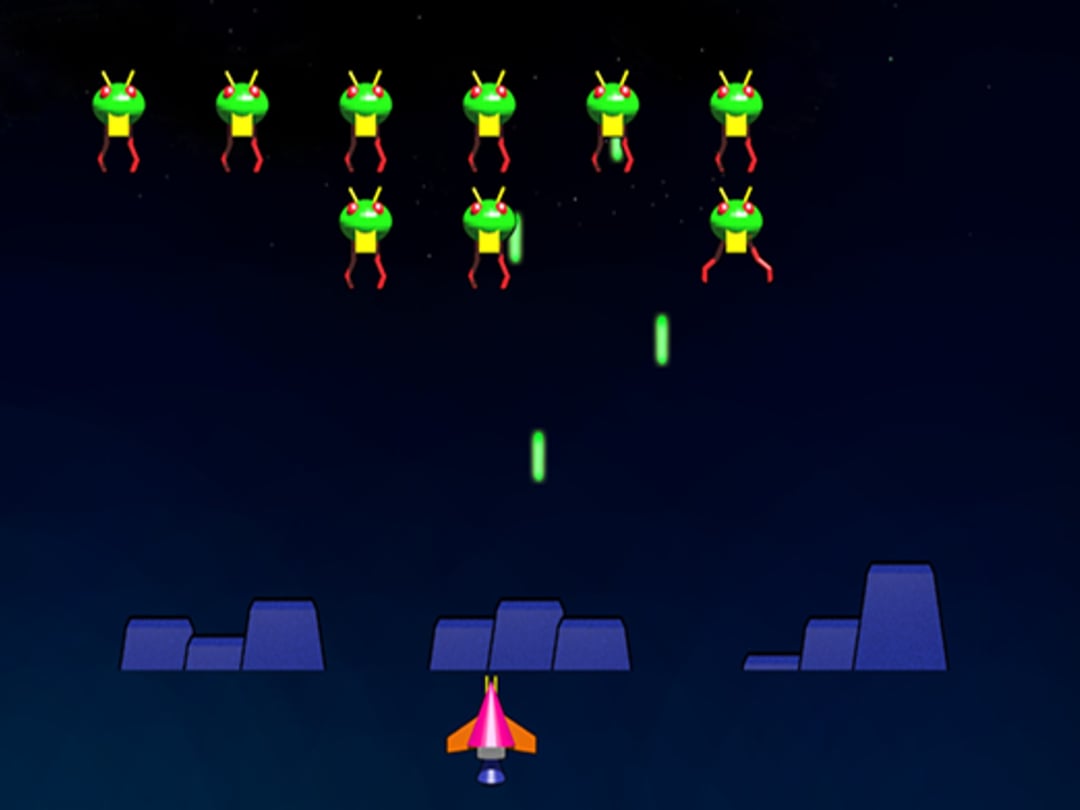
“THANK YOU MAX for helping me build Space Invaders in Python. I admit I brag a bit in front of my friends, but at the same time it's pretty cool, right? I think they're jealous… lol”

Noé
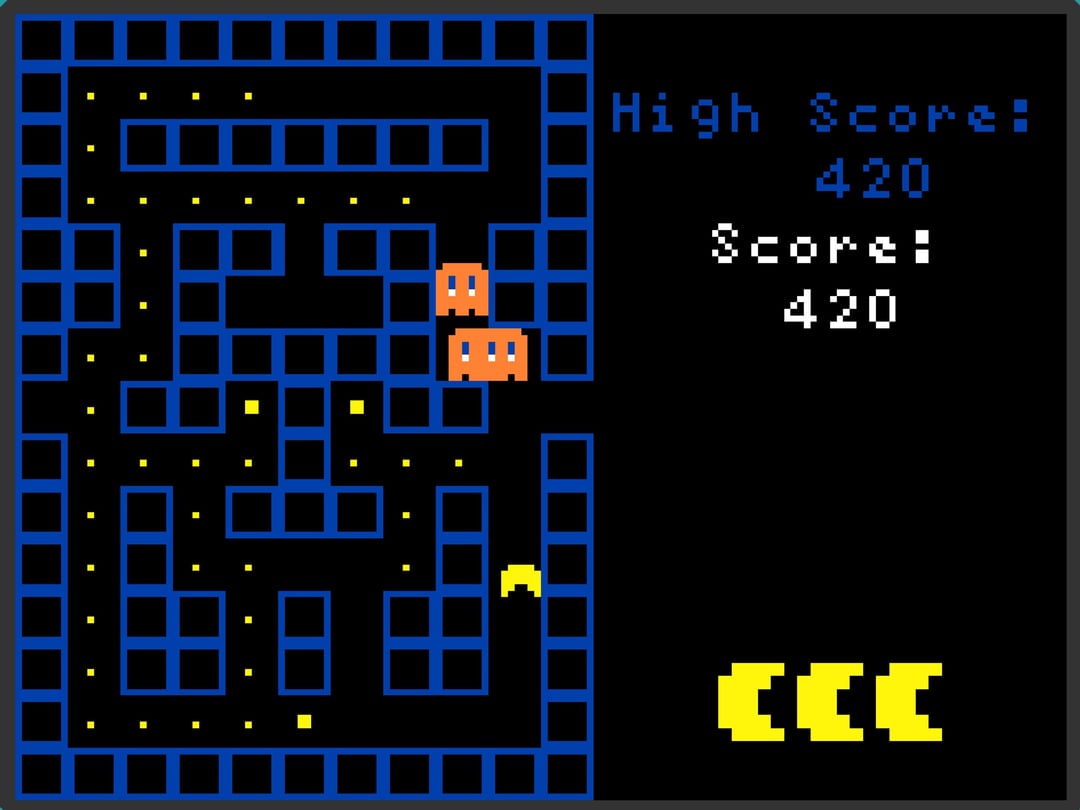
“Building a Pac-Man is cool and all, but I'm aiming higher. I want to recreate Minecraft or Roblox! I feel like I'm getting closer to my goal every week. It's actually simple.”

Raphaël
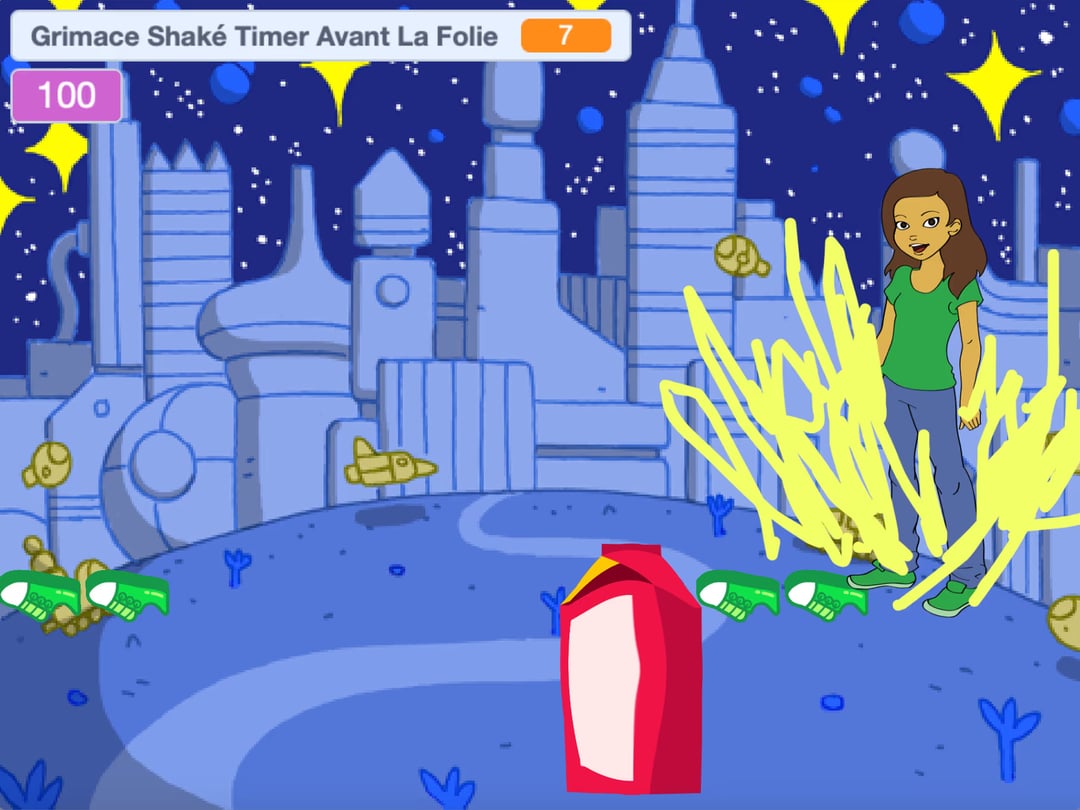
“Welcome to GrimaceLand, the planet where Mr. Grimace makes everyone fall into madness. Quick, you only have seconds to fight Grimace and recover the cure!”

Lamine
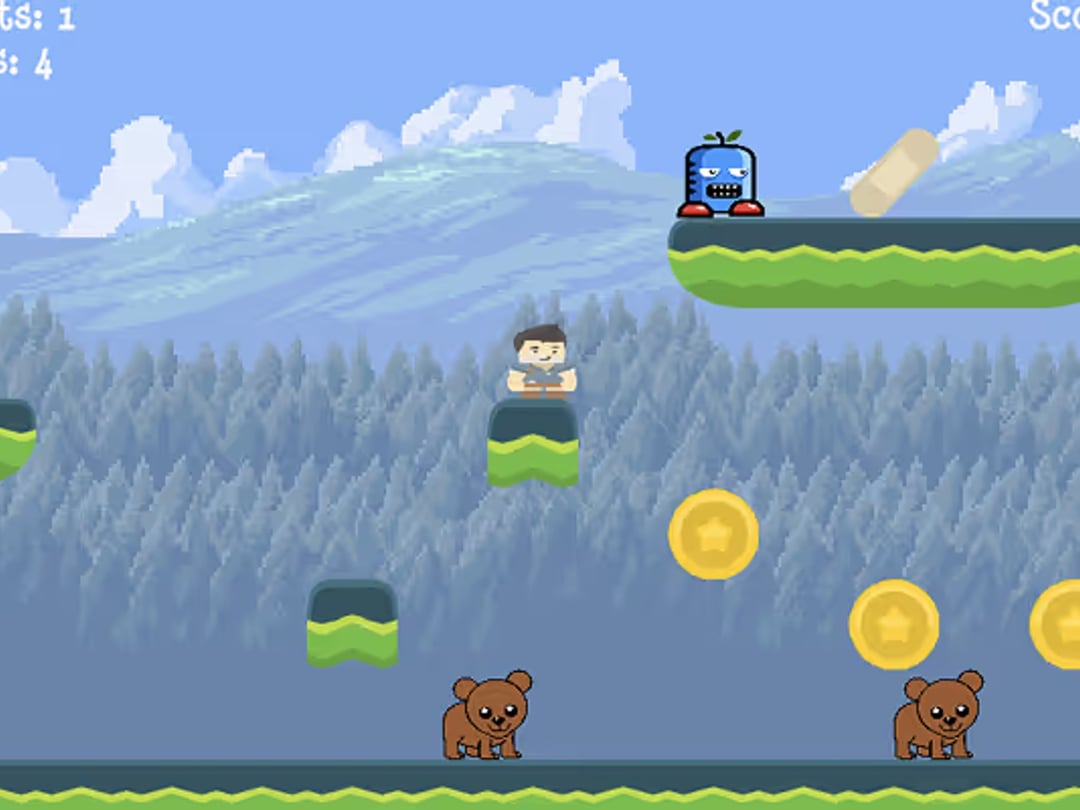
“I wanted to work for Nintendo, but at the rate I'm learning, Nintendo will be working for me instead. Honestly, look at this masterpiece. Guess who made it? Yep.”

Edgar
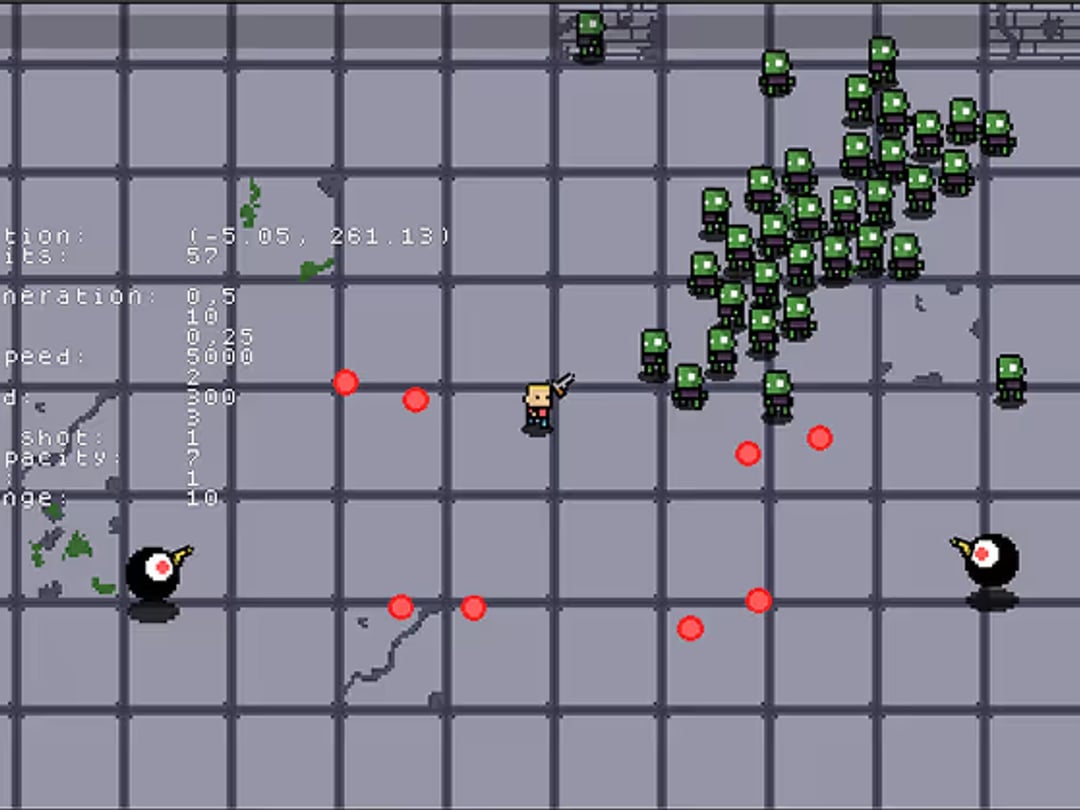
“I met Julia at coding. Right now we're working on a top-secret project outside of class (shh). Since I pick things up quickly, school bores me; coding is the opposite.”

Olivia
During the school holidays, we run an intensive in-person bootcamp in Brussels. In five days, your child builds a project, improves it and presents it. Depending on age: games, first AI projects or AI agents.
Booking opens 15 November
One method, with tools matched to each age group. Your child builds games, then products with AI, at their own pace.
Your child learns to design games, code them, publish them and share them. They start with Scratch, move on to Roblox Studio and AI agents, then to Python.
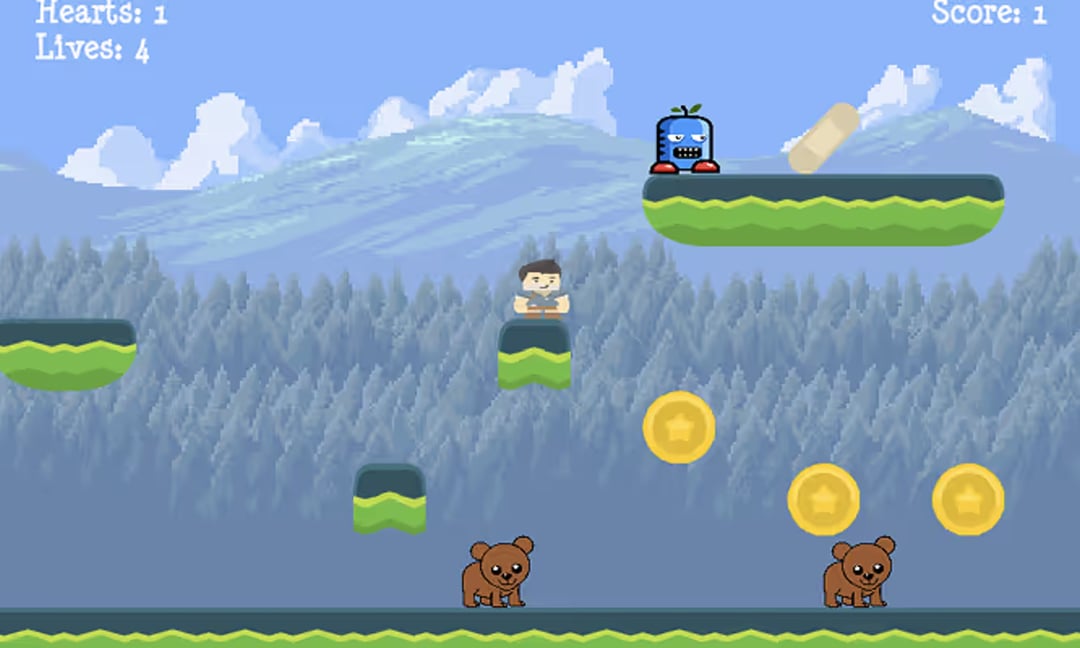
Your child turns an idea into a website, an app or an AI tool that other people can use.

Pick a time. Your child starts with a free trial class, and you choose a plan afterwards.
8-9 yrs
Your child discovers logic and creativity by building their first games and animations with Scratch.
Avenue Arnaud Fraiteur 15/23, 1050 Ixelles
6 months
The first half of the programme · 20 sessions
695€
that is 34.75€ per class
1 year
The whole programme · 33 sessions
940€
1,045€−10%that is 28.48€ per class
1 year in 4 payments
The whole programme · 33 sessions
261.25€ / term
4 payments, 1,045€ in total
Included in every plan
Satisfaction guaranteed. Enrol within 7 days of the trial and cancel within the first 2 weeks for a full refund.
Has your child already had a trial? Choose a plan in your parent space
Your child finds their projects, challenges and progress in one place, with an AI assistant their instructor configures. They can keep going between classes on their own.
See the platformLe top de la semaine





Your child learns to understand AI, guide it, create with it, check what it says and explain their work.
Before giving instructions to an AI, children learn the foundations: logic, structures and reasoning.
Kids use the same tools the pros use, with a setting the instructor controls. Depending on the moment, the assistant answers, gives hints only, or stays quiet.
AI can be wrong, repeat a bias or invent an answer. Our students learn to check what it says.
Six families who chose Codaquest, in their own words.
« I wanted my kids to learn what's behind their favourite games. Now they come back from coding every Saturday, grinning from ear to ear, and show me the new game they've just invented. »
Antoine Jacobs
Parent
« I work in tech and I know how important computing is for the future. Two years at Codaquest have just opened up a world of possibilities for my son. For life. »
Diego Carranza
Parent · works in tech
« It really moved me to see my shy daughter talking to me with her hands flying in excitement, telling me about every game she wanted to create and the bug she'd managed to fix. »
Anne Meyers
Parent
« I was tired of being the video-game police at home. With coding, he's finally found a balance. It feels so good! »
Sylvie Tran
Parent
« I really wanted my son to meet other kids his age. Coding helped him open up. He and his friends even have a challenge going to make the best game. It seems to amuse him, and it amuses me too. »
Sophie Ackerman
Parent
« It's funny to hear a kid dream out loud, eyes shining, about the game studio they want to work for, or how they built Brawl Stars. Even if I don't understand a word. »
Zoe de Broqueville
Parent
5 / 5
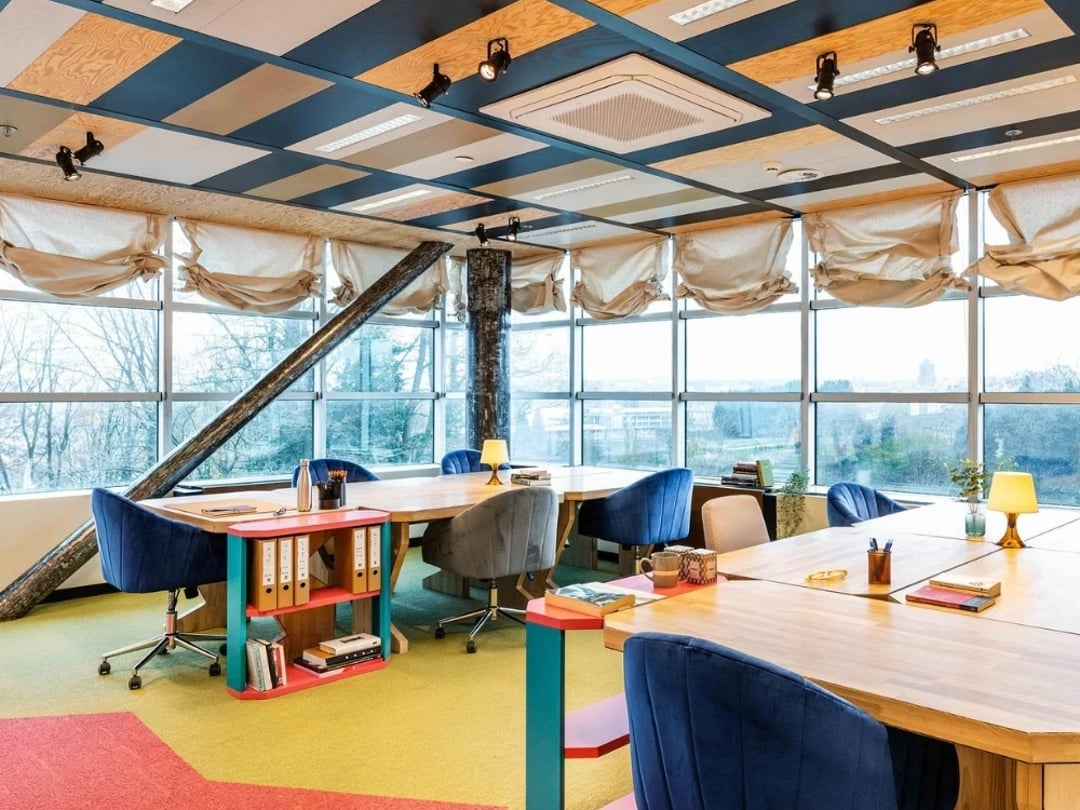
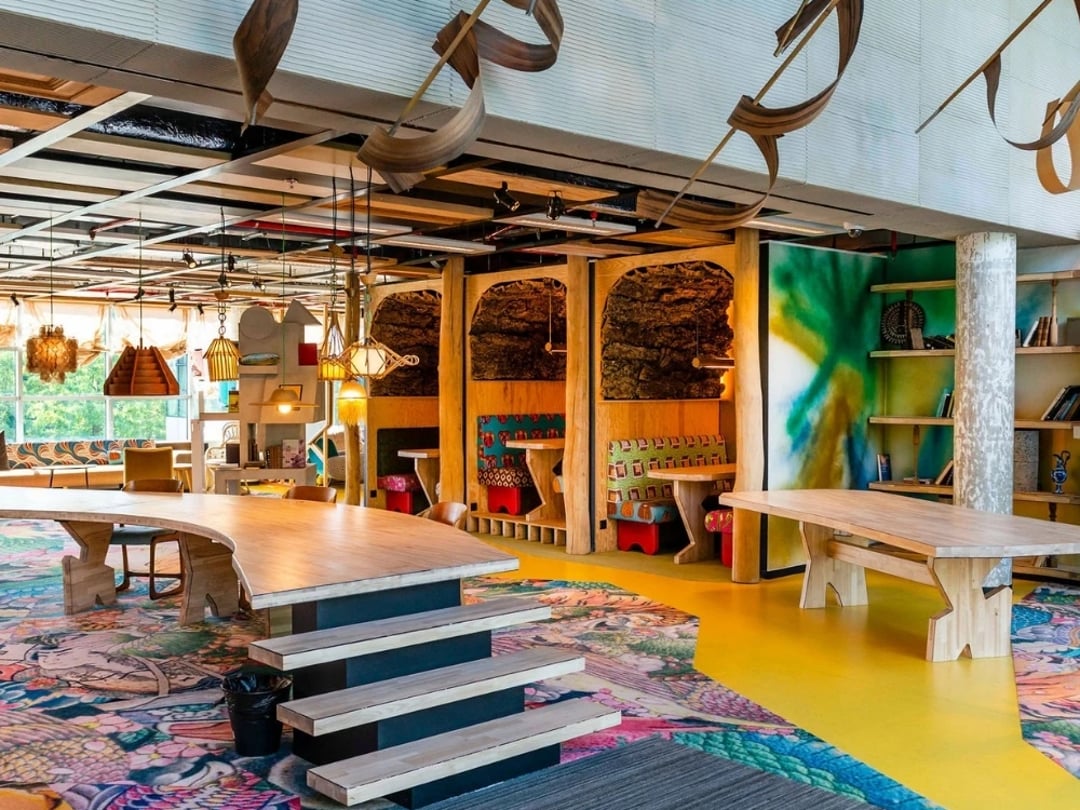
Our bootcamps and in-person classes take place in a bright coworking space. Weekly classes also run online, with the same programme.
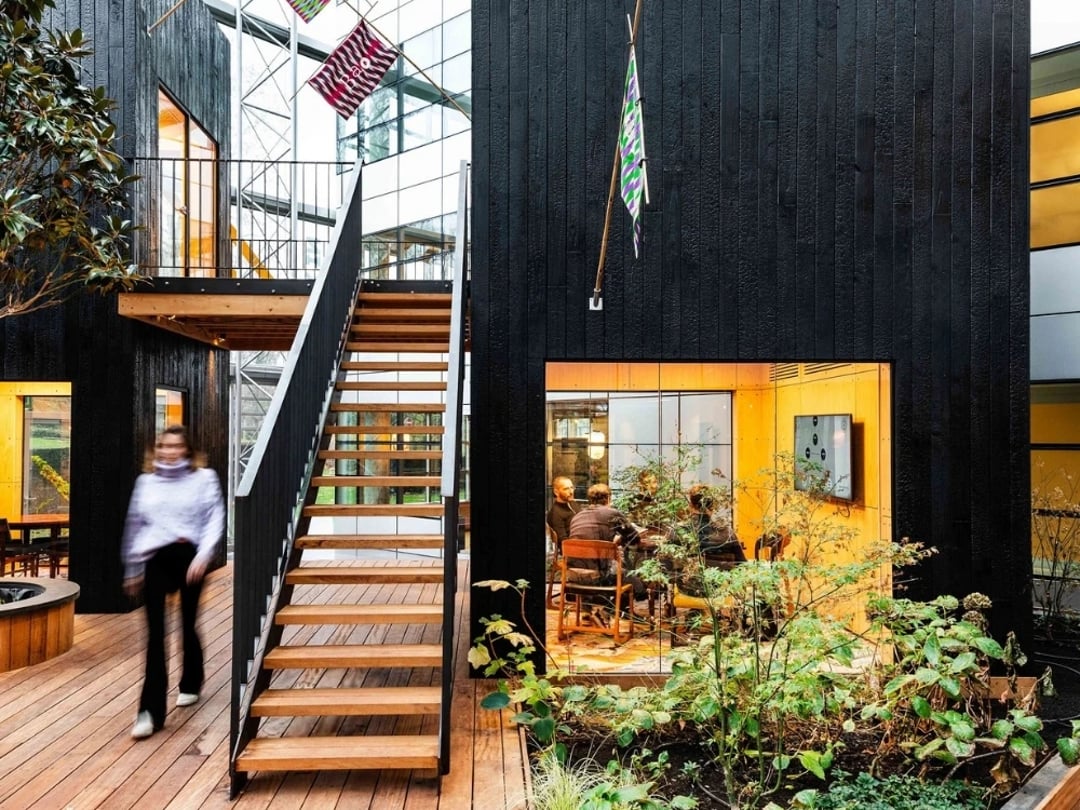
Address
Avenue Arnaud Fraiteur 15/23, 1050 Ixelles.
Getting there
Metro, tram and parking nearby.
Another question? We reply within 24 hours.
Write to us