
Path · Game makers
Build their own games.
From game design to code, your child learns to design playable games, ship them, and share them. From Scratch to Python, with Roblox Studio and AI agents in between.
ScratchRobloxPython
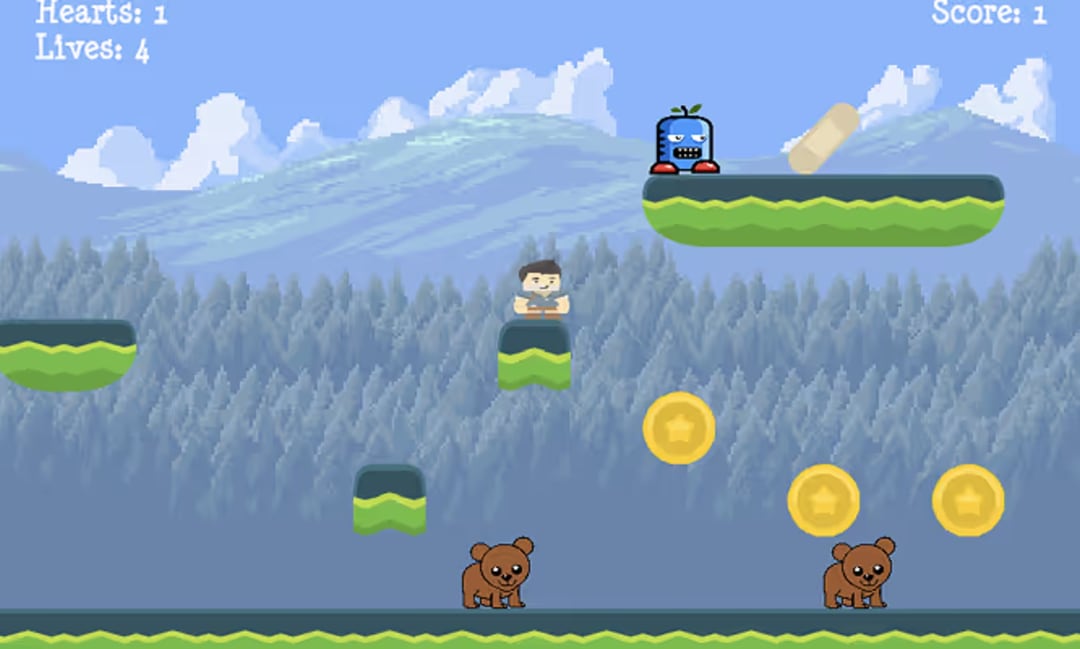
A project every session: a game, a site, an app, an AI bot. You remember what you make.
From their passion
To their creations
To their pride
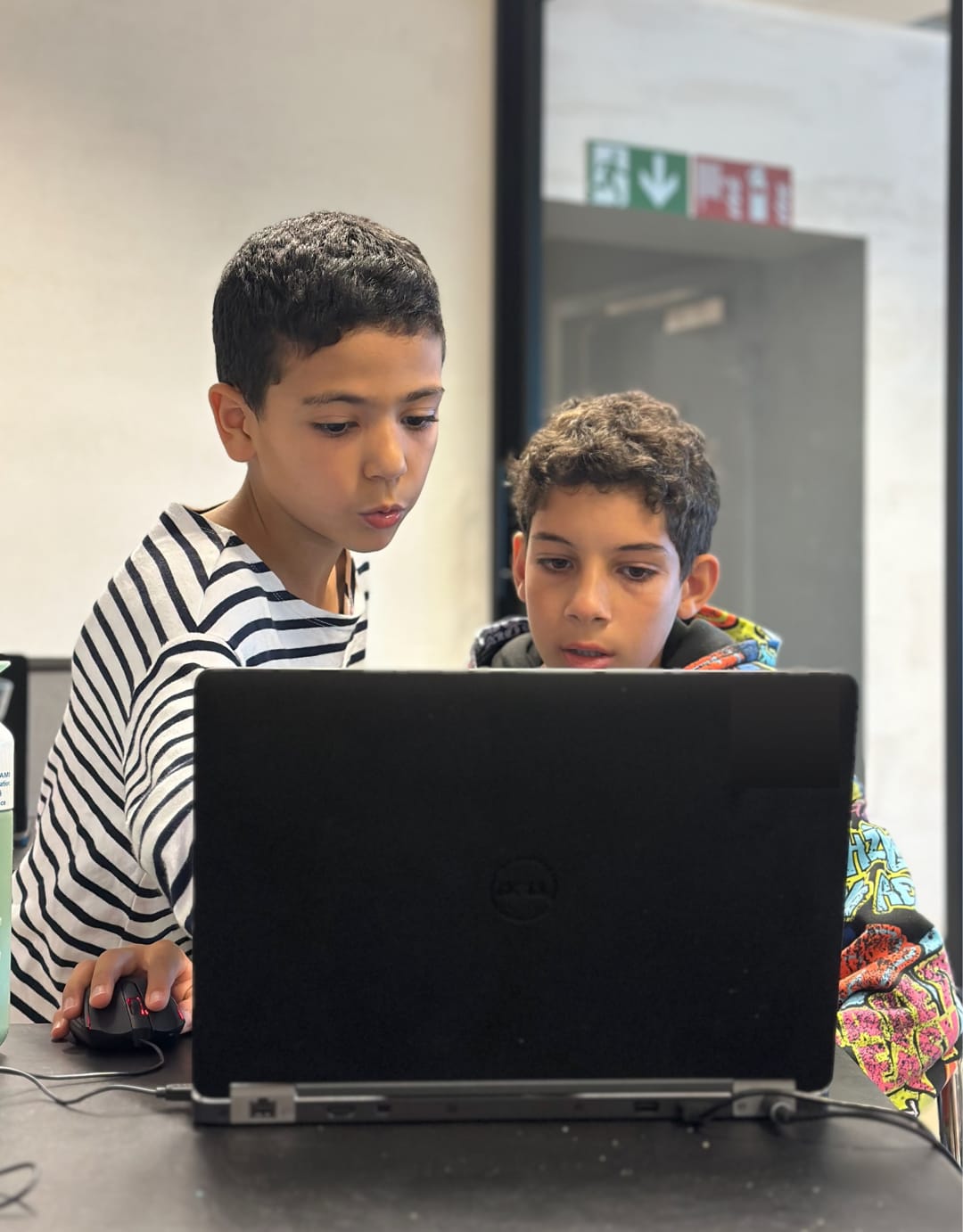
Screens are part of our children’s daily lives. Games and apps capture their attention, sometimes a little too much. At Codaquest, that passion becomes the starting point for a real project.
At Codaquest, children learn by building a project, testing it and correcting it. We start with what already excites them and give them the tools to finish their ideas.
Every Codaquest class follows the same loop. From a question, to a real project, to passing it on. We call it the QUEST method. The word lives inside our name, and it’s what actually happens in the room.
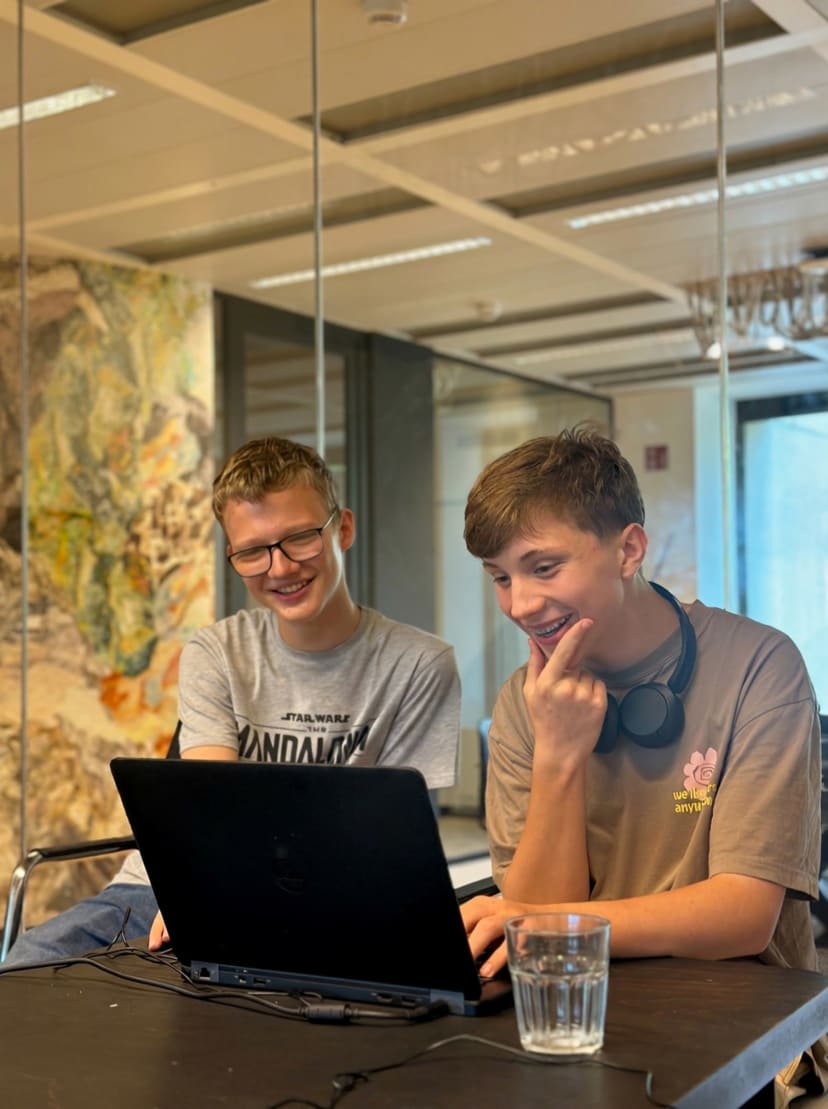

We start from their passion. How is Minecraft built? Why does TikTok hook you? Every quest starts with a why.

Children discover what happens behind the screen: the code, the logic and the tools creators use.

Try. Get it wrong. Verify. Each attempt teaches the child to spot what does not work, in their own code and in what an AI hands back.

Every class ends with a project that exists: a playable game, a live site, a robot to show.

The more advanced help the others. You learn twice by explaining. End of one quest, start of the next.
The full loop
From a question to a project. From the project to passing it on.
We don’t train kids to avoid AI. We teach them five things: understand, guide, create, verify, explain. So they’re at the controls. Not overwhelmed.
Before giving instructions to an AI, children learn the foundations: logic, structures and reasoning. That is what separates a creator from a passive user.
Kids use the same tools the pros use, with a setting the teacher controls. Depending on the moment, the assistant answers, gives hints only, or stays quiet.
AI can be wrong, repeat a bias or invent an answer. Our students learn to verify, question and choose.
From passion to pride: every session follows the same arc, designed to help the child grow.
Step 01
We begin with what excites them: their favourite games, their characters, the challenges they want to take on.
Step 02
Every session is project-based. The kids imagine, test and improve their own creations.
Step 03
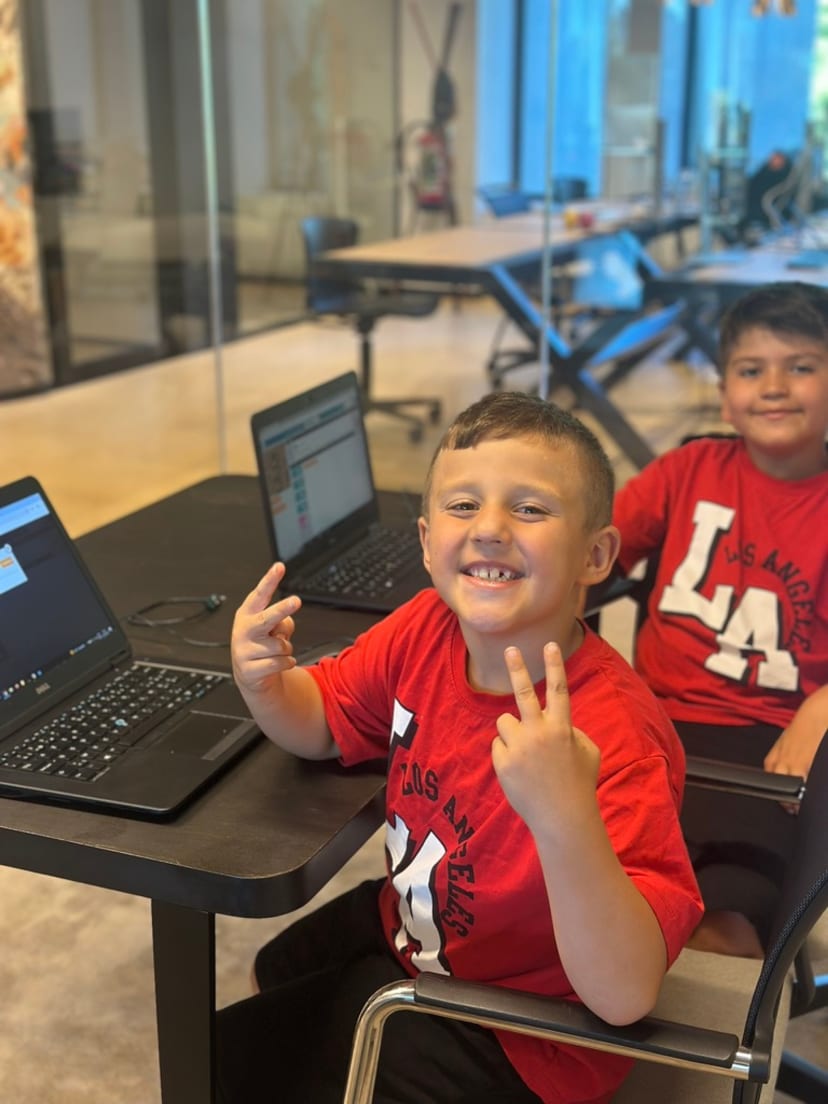
From hesitant first steps to the pride of showing their projects, every child finds their voice.
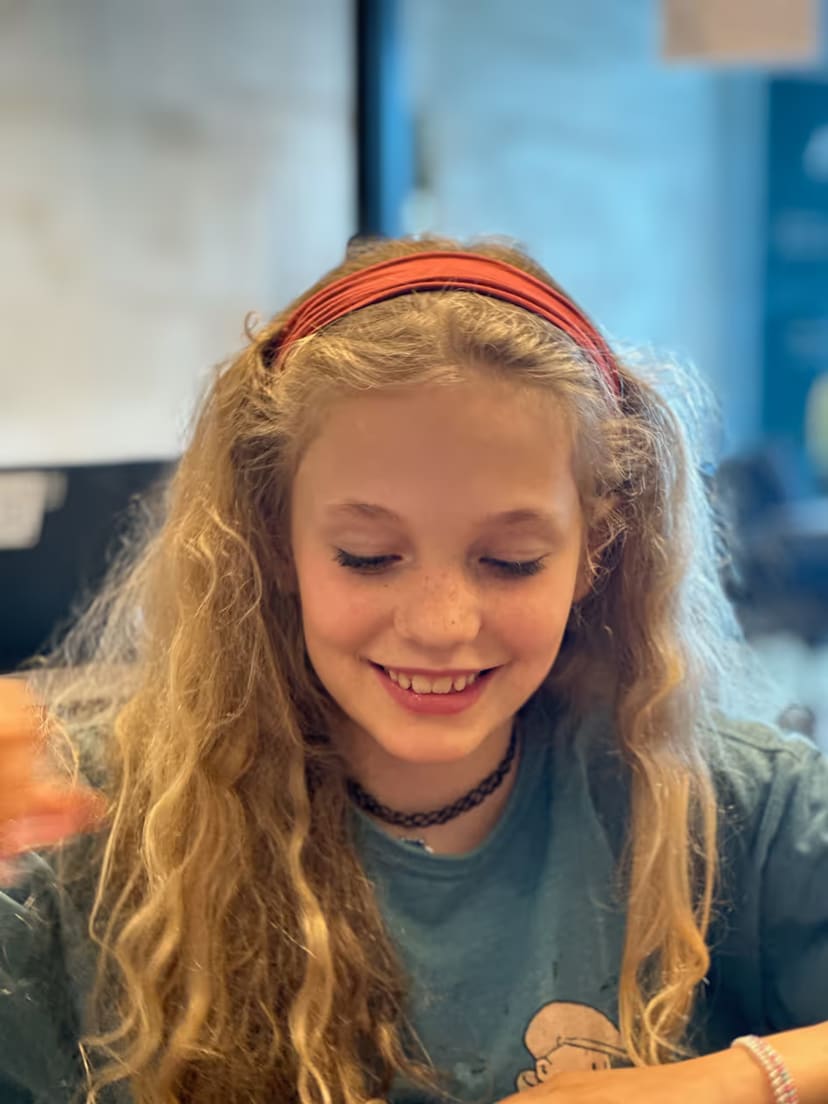
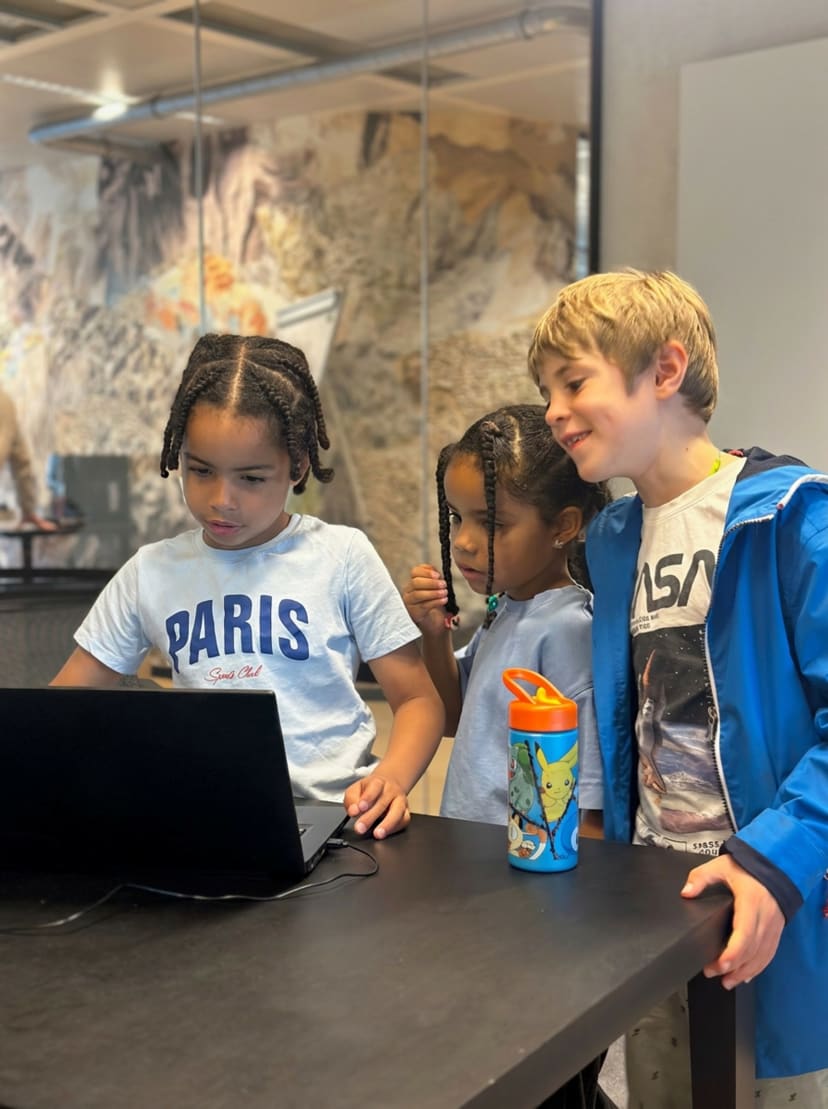
Small groups: 8 children max, a dedicated instructor. No one gets lost, no one falls behind.
Same adult, same cohort: trust builds up, projects grow without restarting from zero each time.
Projects saved on the platform: your child can keep going at home, at their pace, without losing anything.
Online or in person in Brussels: pick the format that fits your week.
After six months, your child can show the projects they have built and explain the choices they made.
“It really moved me to see my shy daughter talking to me with her hands flying in excitement, telling me about every game she wanted to create and the bug she’d managed to fix.”
Anne Meyers · Parent
Two directions, one method. One path for game makers, another for young product builders.
Path · Game makers
From game design to code, your child learns to design playable games, ship them, and share them. From Scratch to Python, with Roblox Studio and AI agents in between.
Path · Mini-entrepreneur
Websites, apps, AI tools: your child turns an idea into a product people can actually use. They think about use, design and launch: the full path from idea to product.
Nine years of school, hundreds of kids taught, a method that proves itself.
600+
kids taught
10,000+
projects built
9 years
in Brussels
5 / 5
from 55 reviews
Another question? We reply within 24h.
Write to us
No. Younger children start with tools and projects suited to their age. The free trial lets you check whether the pace works for them.
No. Classes adapt to each child’s pace. Those who move faster get extra challenges, bonus missions, or can customize their projects further. The goal is for every child to stay engaged and proud of their progress.
No experience is required. Most children have never coded before. The programmes let each child progress at their own pace. If a child has coded for more than six months, a free trial lets us assess their level.
We start with what already excites your child: their games and ideas. Every session moves a real project forward. The free trial lets you check without risk whether the format suits them.
First class free. No commitment, no credit card. Your child tries, you decide.